Contact or profile
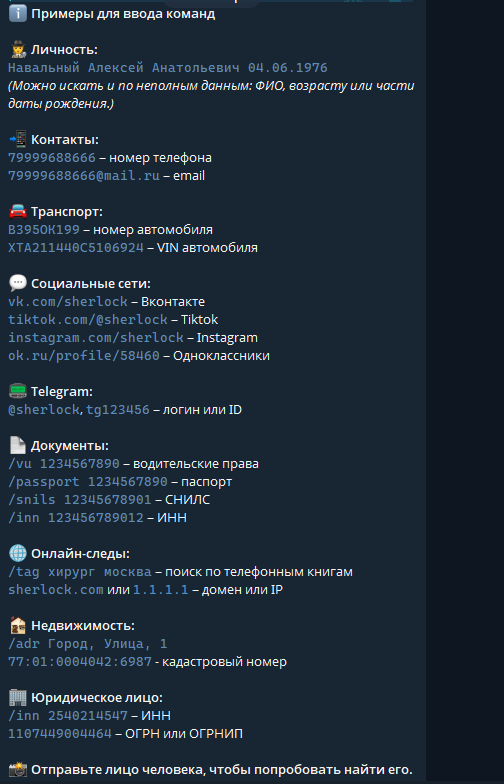
Use the appropriate contact format for a phone number or email. The menu lists usernames and IDs for Telegram, and profile URLs for social networks. A display name is not a substitute for a profile address.
Person or vehicle
The person section shows names and dates of birth, with an option for incomplete details. Vehicle inputs include a registration plate and VIN. Follow the selected section instead of combining inputs into an invented command.
Additional categories
The screenshot also lists documents, addresses, organisations, domains and IP addresses. Menus can change. The illustration is an orientation aid; the bot interface remains the source for current syntax.